Managing Members
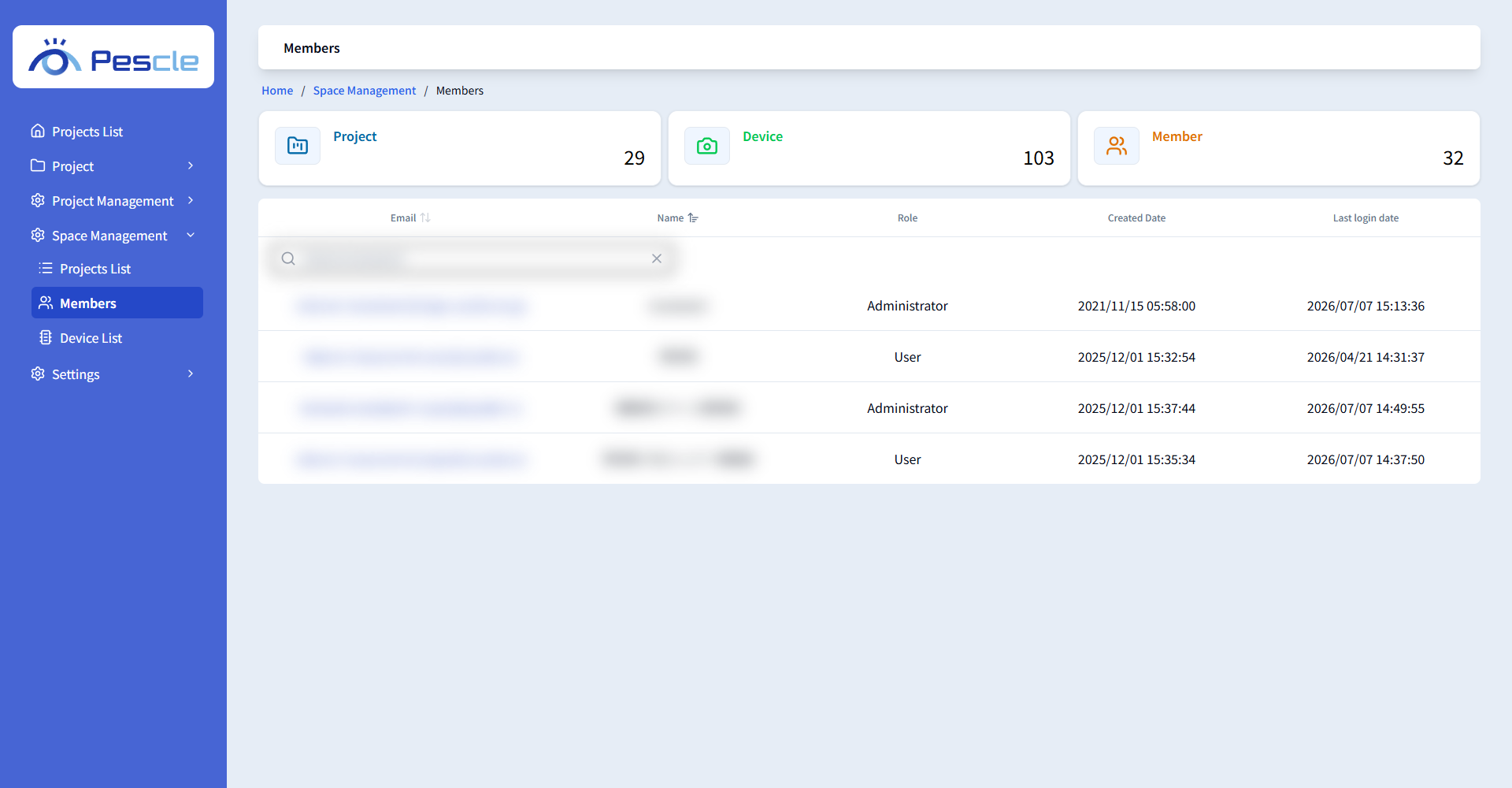
Space administrators can manage all members in the Space in [Members] under [Space Management] in the side menu.
Members List
You can view each user’s email address, name, role, creation date, and last sign-in date. Filter the list by typing part of an email address or name in the search box.
Editing Member Information
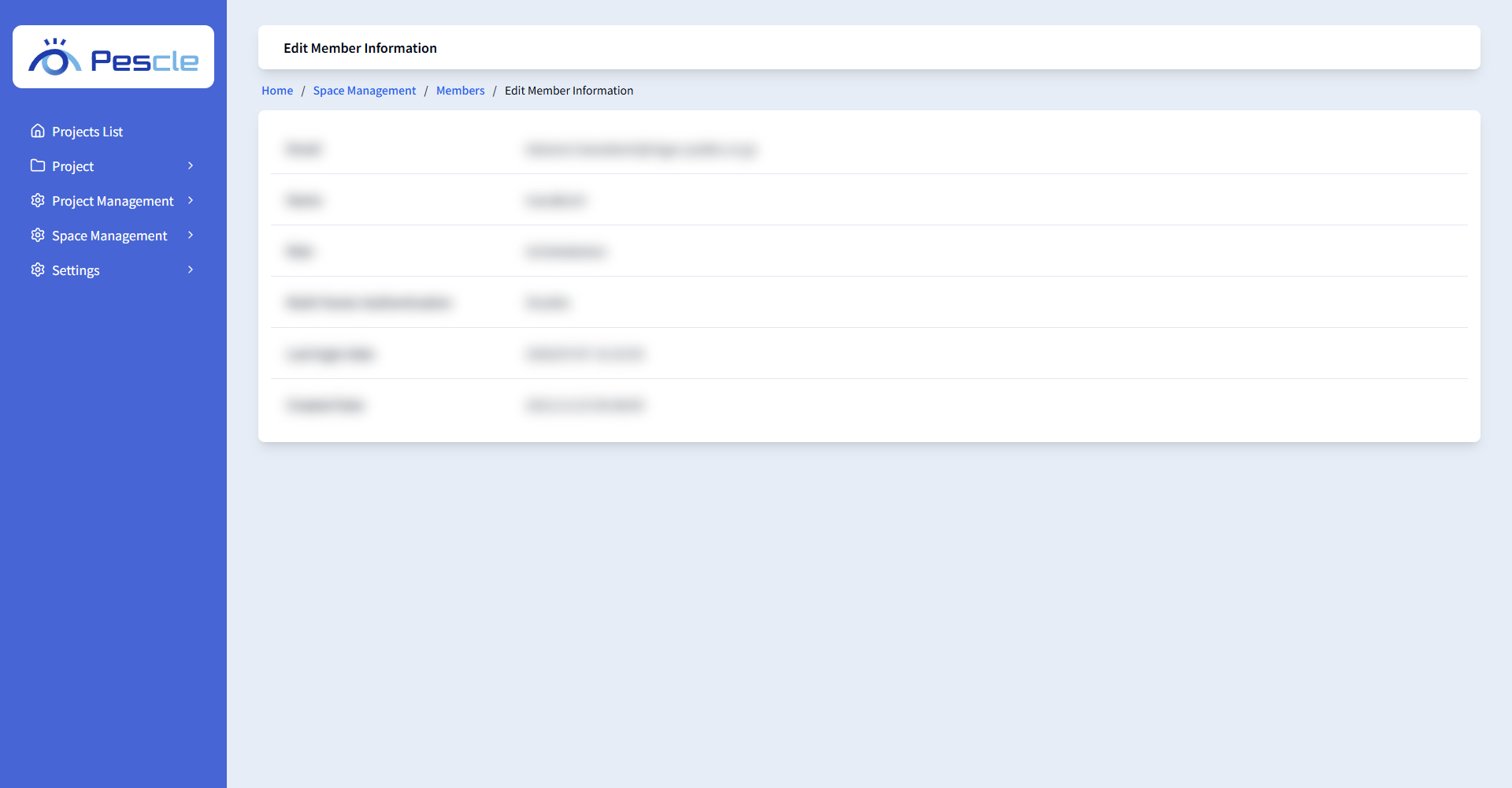
Click an email address in the list to open the Edit Member Information screen. You can view the email address, name, role, multi-factor authentication status, last sign-in date, and creation date.
Deleting a Member
Click the [User Deletion] button and confirm in the dialog. This operation cannot be undone. Once this is completed, the member can no longer sign in to Pescle Rodents.
Removing Multi-Factor Authentication
If a member has set up multi-factor authentication, the [multi-factor authentication cancellation] button is displayed. A Space administrator can remove it when the member can no longer sign in, for example after losing their device.