Checking the Detection List
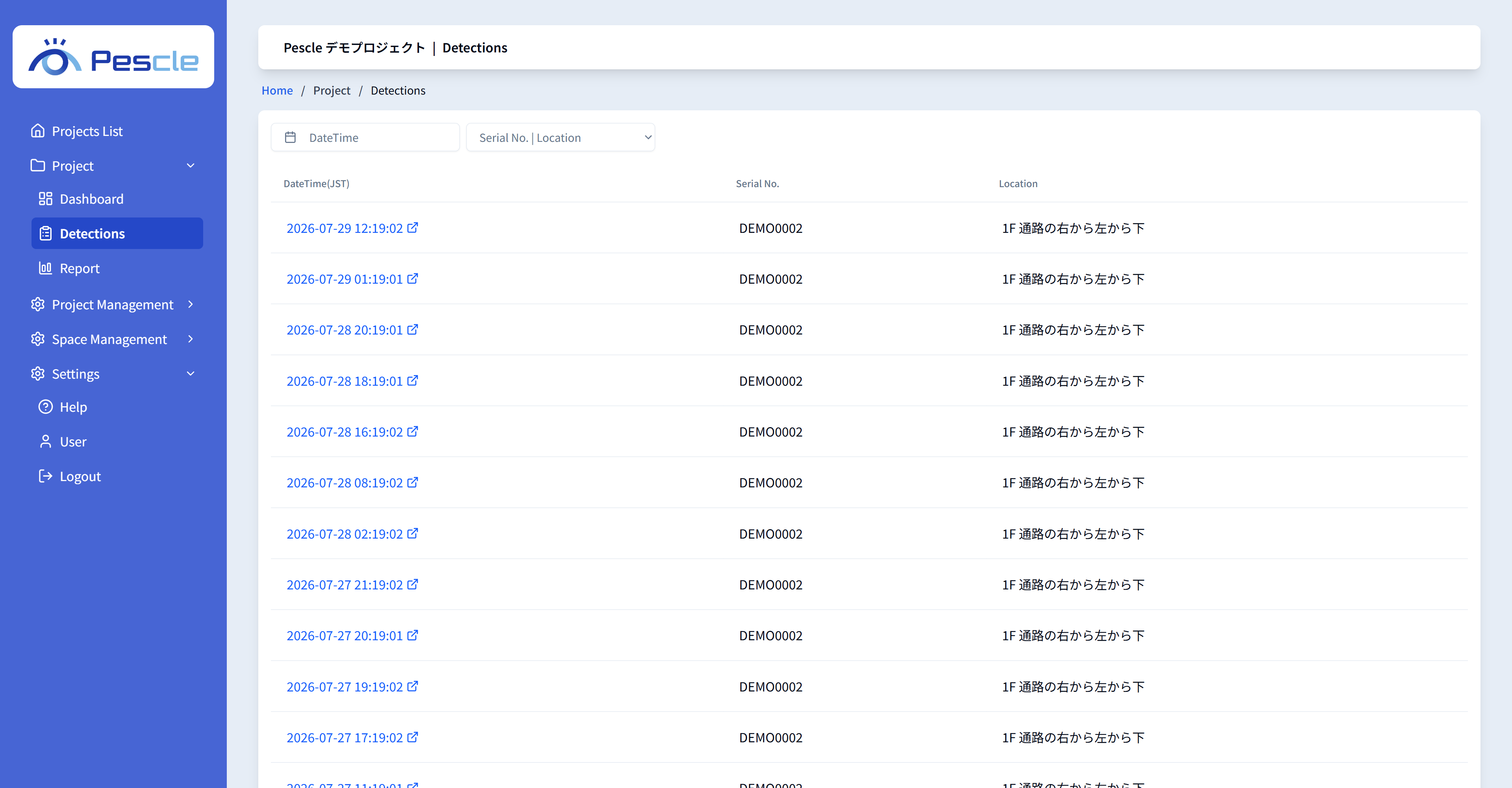
In [Detection List] under [Project] in the side menu, you can view the events detected by all devices in the project, newest first.
Filtering the List
Click the [DateTime] button to filter by a specific date selected from the calendar.
Select a device from the [Location] dropdown to show only the detection events of that device.
Playing a Detection Video
Click a date-time link in the list to open the playback screen for the detection video. For how to control it, see Playing Detection Videos.
Click the [Show more] button at the bottom of the list to load more events.