Setting the AI Mode
The AI mode is a pest detection method designed for the location where the trail camera is installed. It can be set per device and is selected in [AI Mode] on the device registration and edit screens. Click the help icon on each screen to display the following explanation dialog.
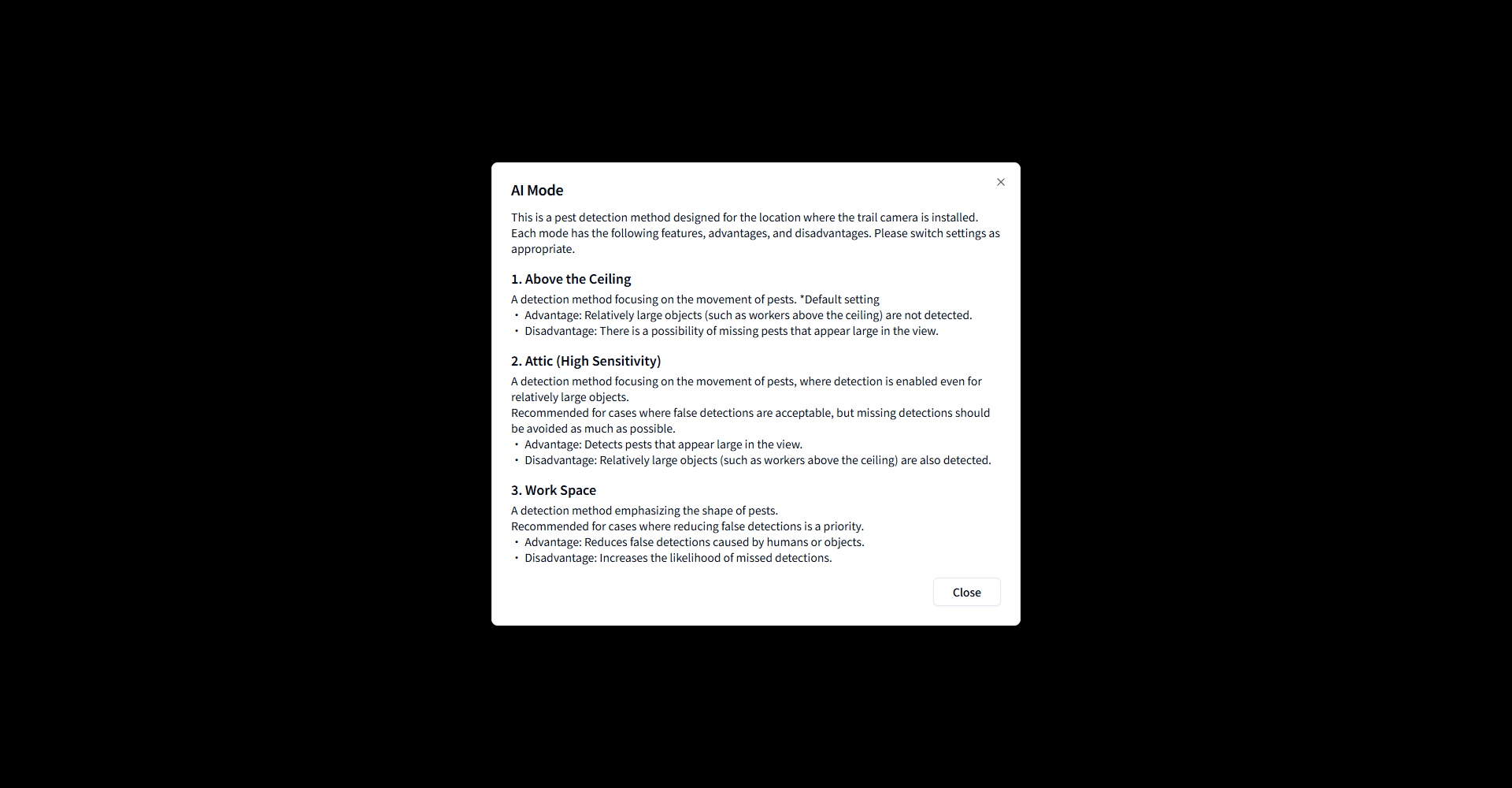
Available Modes
Mode |
Features |
|---|---|
Above the ceiling |
A detection method focusing on the movement of pests (default setting). Relatively large objects (such as workers above the ceiling) are not detected, but pests that appear large in the view may be missed. |
Attic (high sensitive) |
A detection method focusing on the movement of pests, where detection is enabled even for relatively large objects. Recommended when false detections are acceptable but missed detections should be avoided as much as possible. |
Work space |
A detection method emphasizing the shape of pests. It reduces false detections caused by humans or objects, but increases missed detections. Recommended when reducing false detections is a priority. |
Changing the Setting
Reselect [AI Mode] on the device edit screen and click the [Update] button. Each mode has its own features, advantages, and disadvantages, so switch the setting as appropriate.