Downloading CSV Files
Project administrators can download the project’s detection events as a CSV file in [CSV Download] under [Project Management] in the side menu.
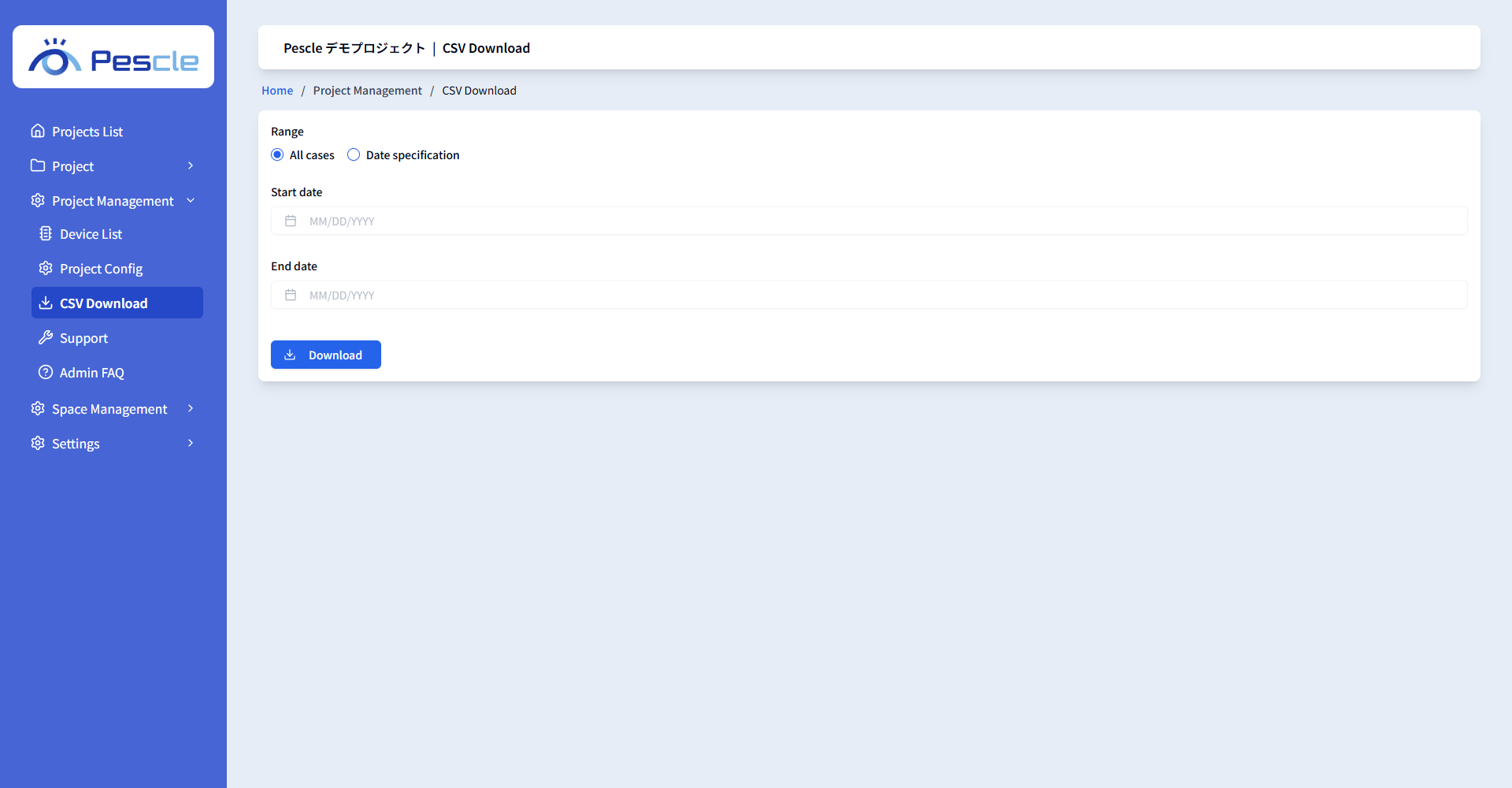
Download Steps
1. Select the range: [All cases] or [Date specification].
2. If you selected [Date specification], enter the [Start date] and [End date].
3. Click the [Download] button to download the CSV file.
If the specified dates are invalid, “Please enter the correct date.” is displayed.