Viewing the Dashboard
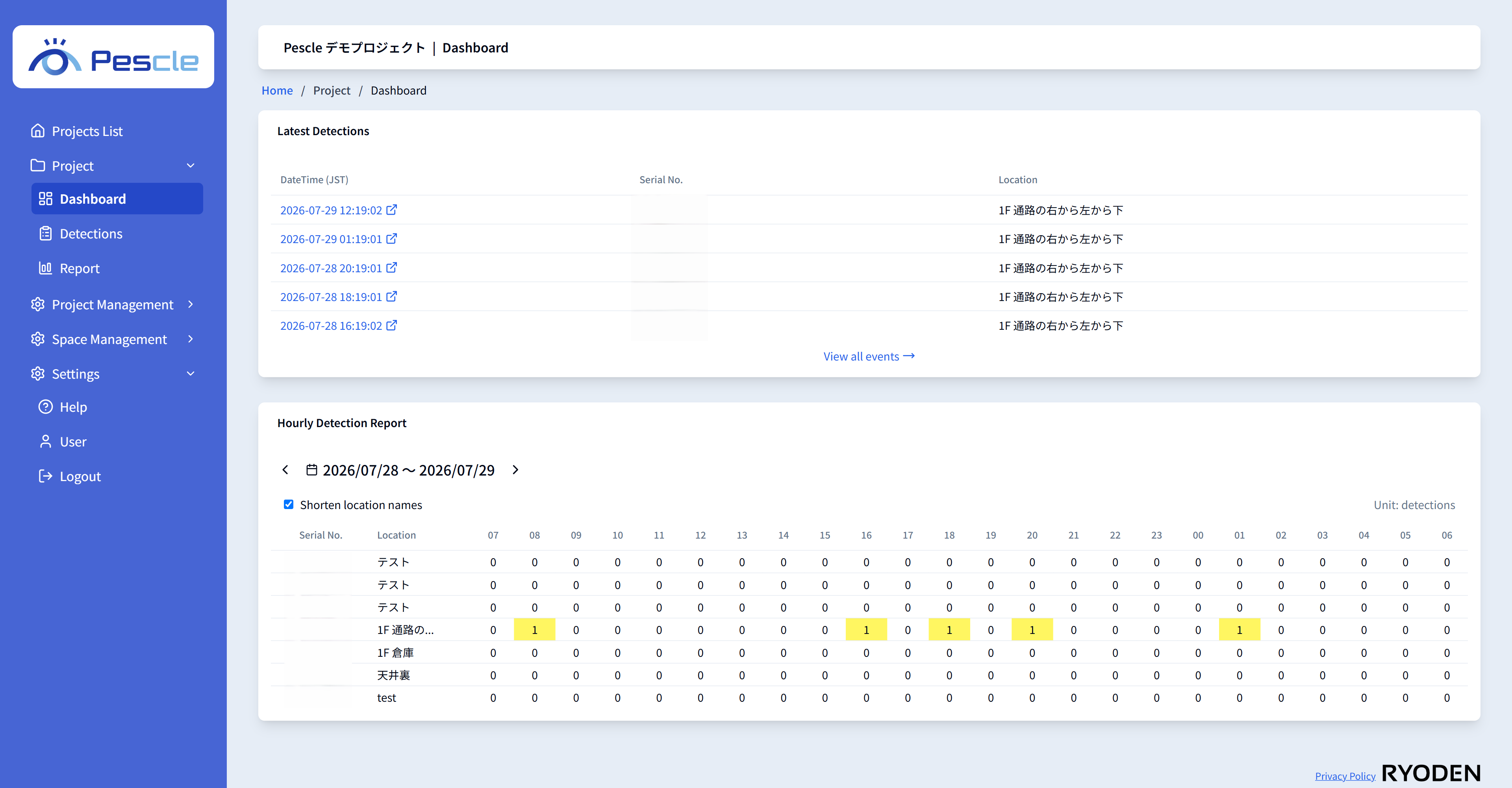
The dashboard gives you an at-a-glance view of the latest detection status of the selected project. Open it from [Dashboard] under [Project] in the side menu.
Latest Detection List
Shows the 5 most recent detection events in the project. Click the [Play movie] button at the right end of a row to open the playback screen for the detection video. Click the [View all events] link to go to the Detection List.
Hourly Detection Report
Shows the number of detections for each device by hour. Use the [Previous day] and [Next day] buttons or the date picker to change the displayed date. Uncheck [Shorten location names] to display the full location names.