When You Receive an Alert Email
When Pescle Rodents detects a rodent, it sends an alert email to the project members.
Email Contents
Thank you for using PESCLE.
We have an announcement for our customers. Could you check this, please?

Occurrence Date: 2026/01/01 00:00:00
Occurrence Location: 1F Passage
Serial number: XXXXX
URL: https://....

----
This alert email is sent from PESCLE.
Checking the Detection Video
Click the URL in the email body to open the playback screen for the detected video. If you are asked to sign in, enter your Space, email address, and password to sign in.
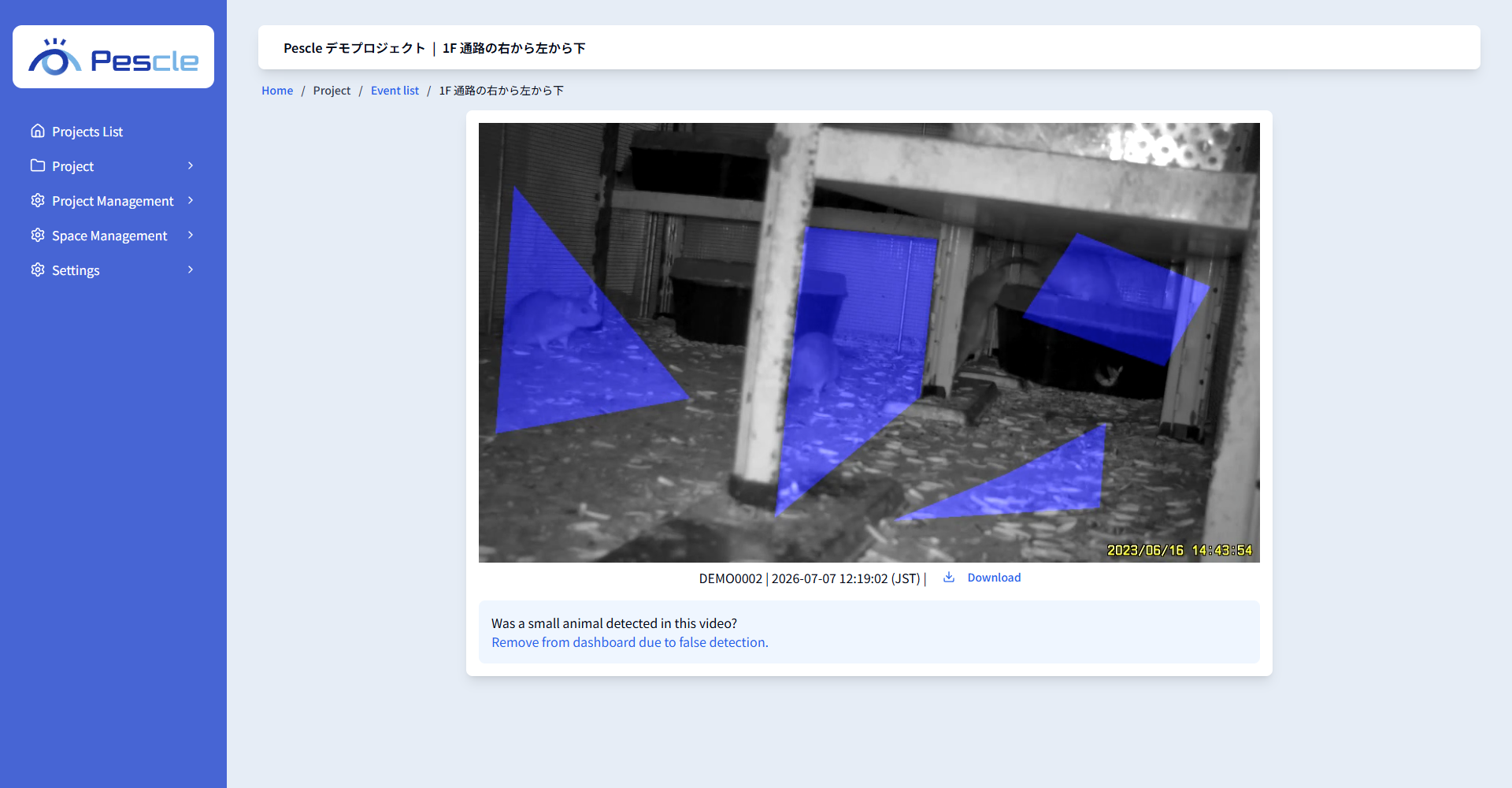
For how to control the video, see Playing Detection Videos.
Alert Email Settings
There are two types of alert emails: “real-time notifications” sent on each detection, and “daily notifications” summarizing each day’s detections. Each user can choose whether to receive them. Change the settings from the [User] screen under [Settings] in the side menu.