If Your Invitation Email Has Expired
The registration URL provided in the invitation email is valid for 72 hours from the time you receive the email. Once the URL expires, the link becomes invalid and the user registration process will be canceled.
How to Check Whether the Invitation Has Expired
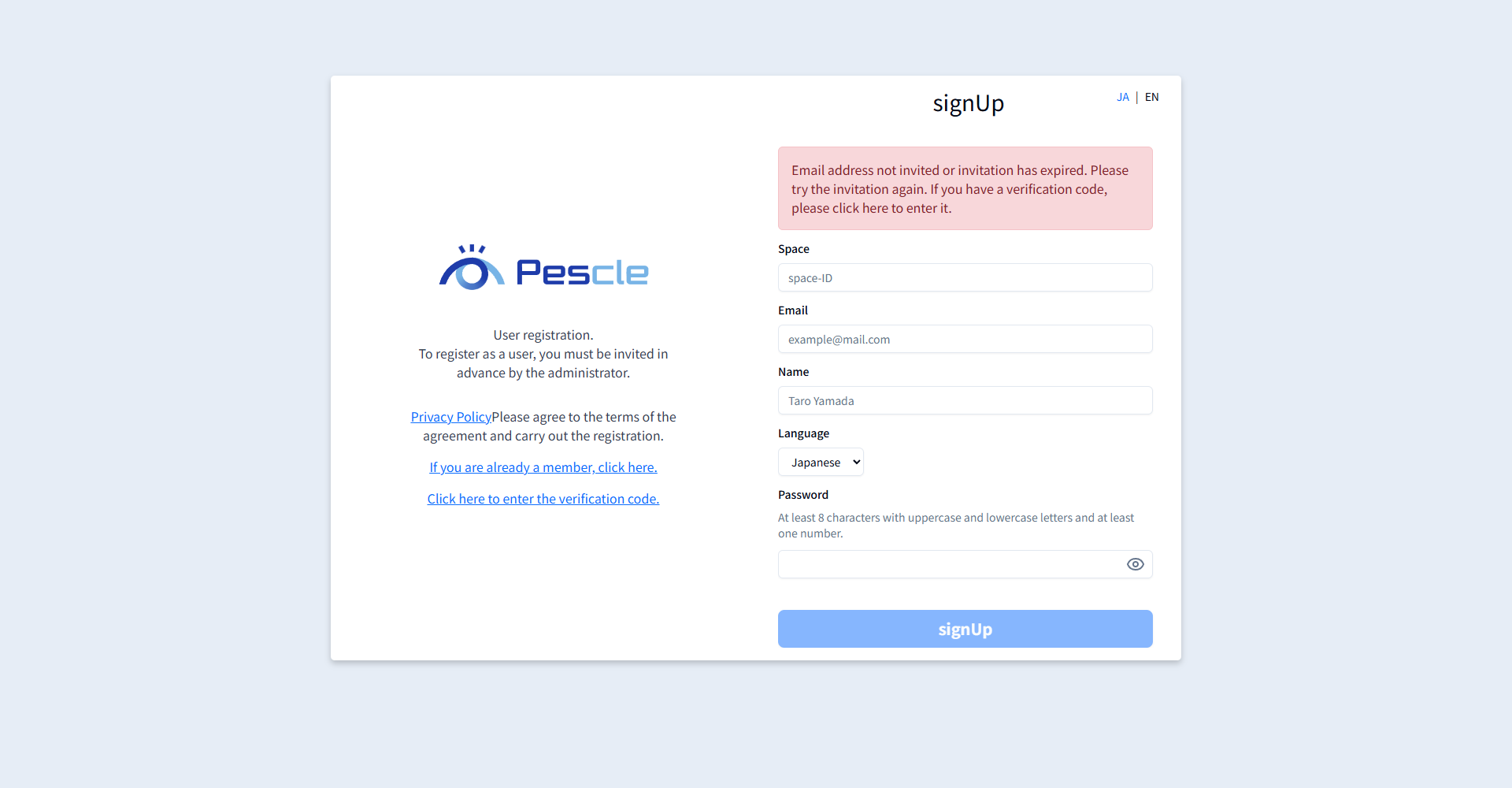
If you open the sign-up page from an expired URL, the following error message is displayed and input is disabled.
Email address not invited or invitation has expired. Please try the invitation again. If you have a verification code, please click here to enter it.
Requesting a New Invitation
Contact your project administrator and ask them to invite you again. When the new invitation email arrives, complete user registration by following the steps in When You Receive an Invitation Email.
If You Have Already Received a Verification Code
If you have already completed sign-up and only need to enter the 6-digit verification code, you do not need a new invitation. Click Click here to enter the verification code. on the sign-up page, enter the verification code, and complete registration.