Setting a Non-detection Area
A non-detection area is an area excluded from AI detection. If a certain spot always causes false detections, setting that area as non-detection can reduce them.
Setting a non-detection area requires the device’s “latest image”. Open the detail of the target device from [Device List] under [Project Management] and click the [Non-detection area] button.
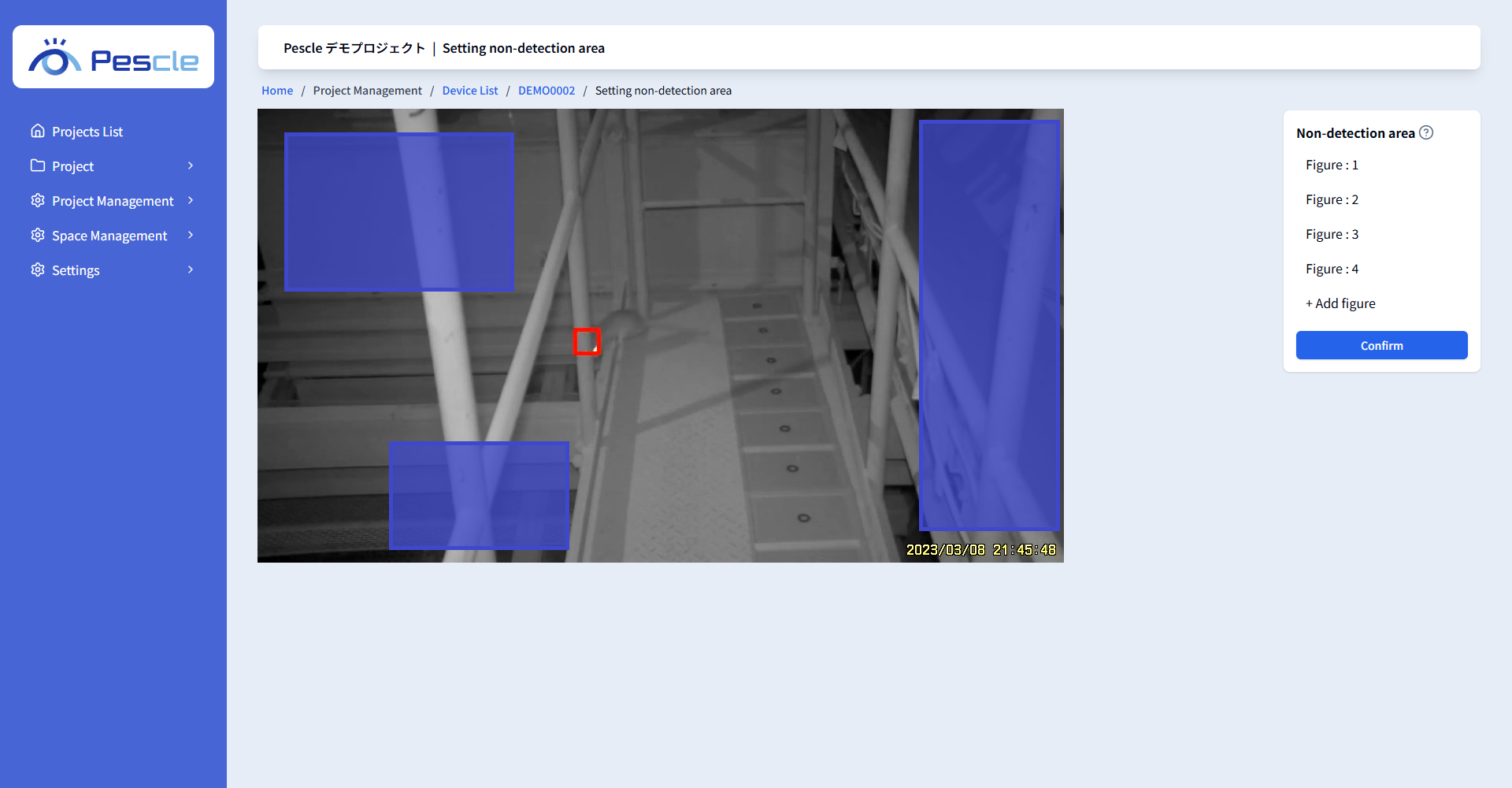
Adding an Area
1. Click [+ Add figure] to add a new area.
2. You can add vertices to the area by clicking on the image.
3. Clicking the initially selected vertex again completes the addition.
Deleting an Area
1. Select the area you want to delete from the “Non-Detection Area Menu”.
2. Click [Delete] to delete the selected area.
Saving the Settings
Click the [Confirm] button to save the non-detection area settings. When “Non-detection area settings have been saved.” is displayed, you are done.