Playing Detection Videos
Open the video playback screen from a date-time link in the Detection List, the [Play movie] button on the dashboard, or the URL in an alert email.
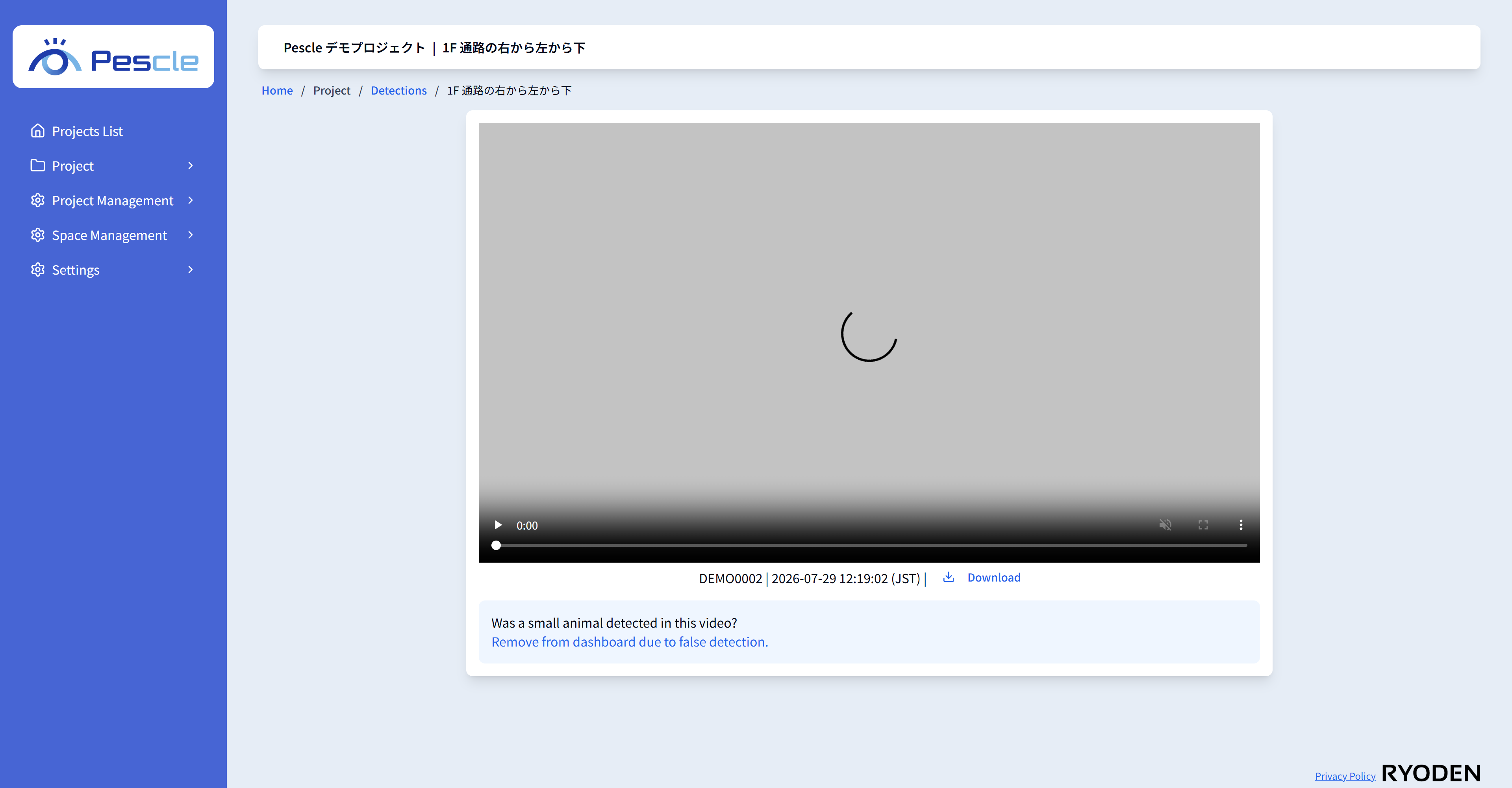
Controlling the Video
The video plays automatically when the screen opens. Use the player controls for play, pause, volume, full screen, and so on. Below the video, the serial number and the date and time of occurrence (with time zone) are displayed. Click the [Download video] button to save the video file.
If the specified video does not exist, “The specified video file was not found” is displayed. It may have been deleted by the administrator.
Reporting a False Detection (Project Administrators Only)
If no small animal appears in the video, a project administrator can delete the video as a false detection.
1. Under “Was a small animal detected in this video?” at the bottom of the screen, click [Remove from dashboard due to false detection.].
2. Review the confirmation dialog and click the [Delete] button.
After deletion, the report is recalculated. Once executed, the video data cannot be restored. Deleted videos may also be used for service improvement purposes.